AudioFast
Fast audio editing, multi-track layering, preview and export
Coming soon to the Mac App Store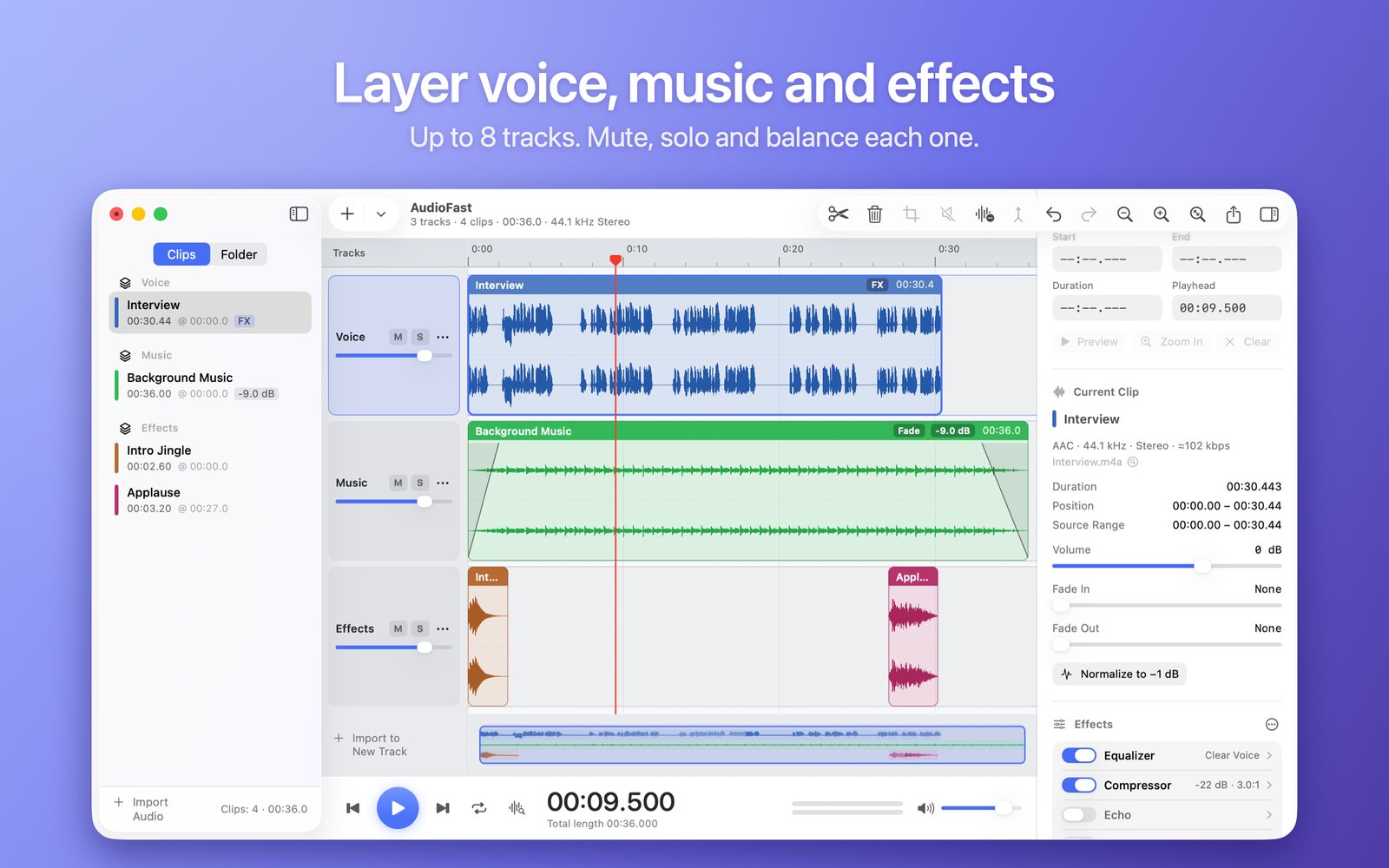
Built for speed
Multi-track
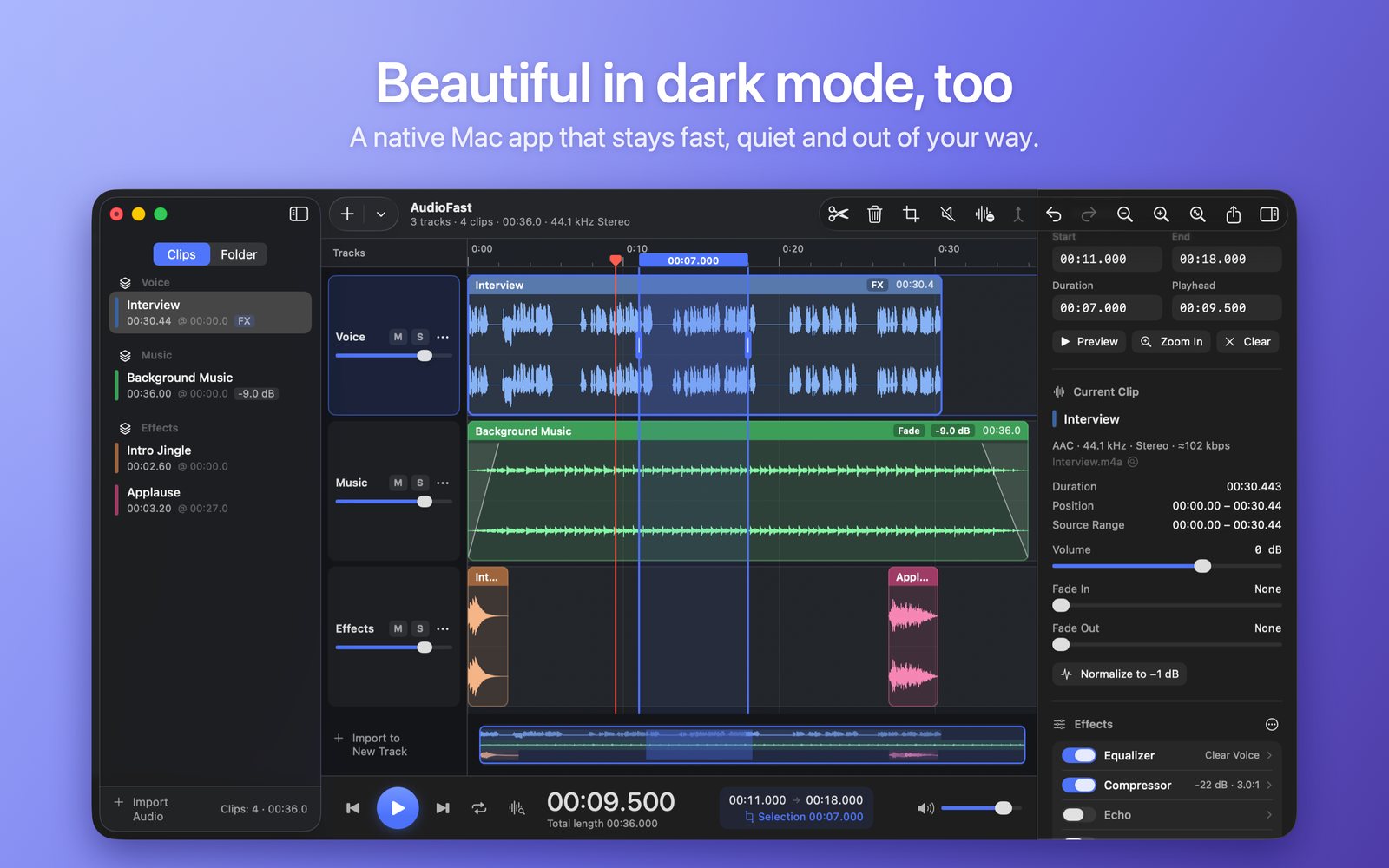
Up to 8 tracks: stack voice, music and effects. Mute, solo and balance every track, and drag clips from one track to another.
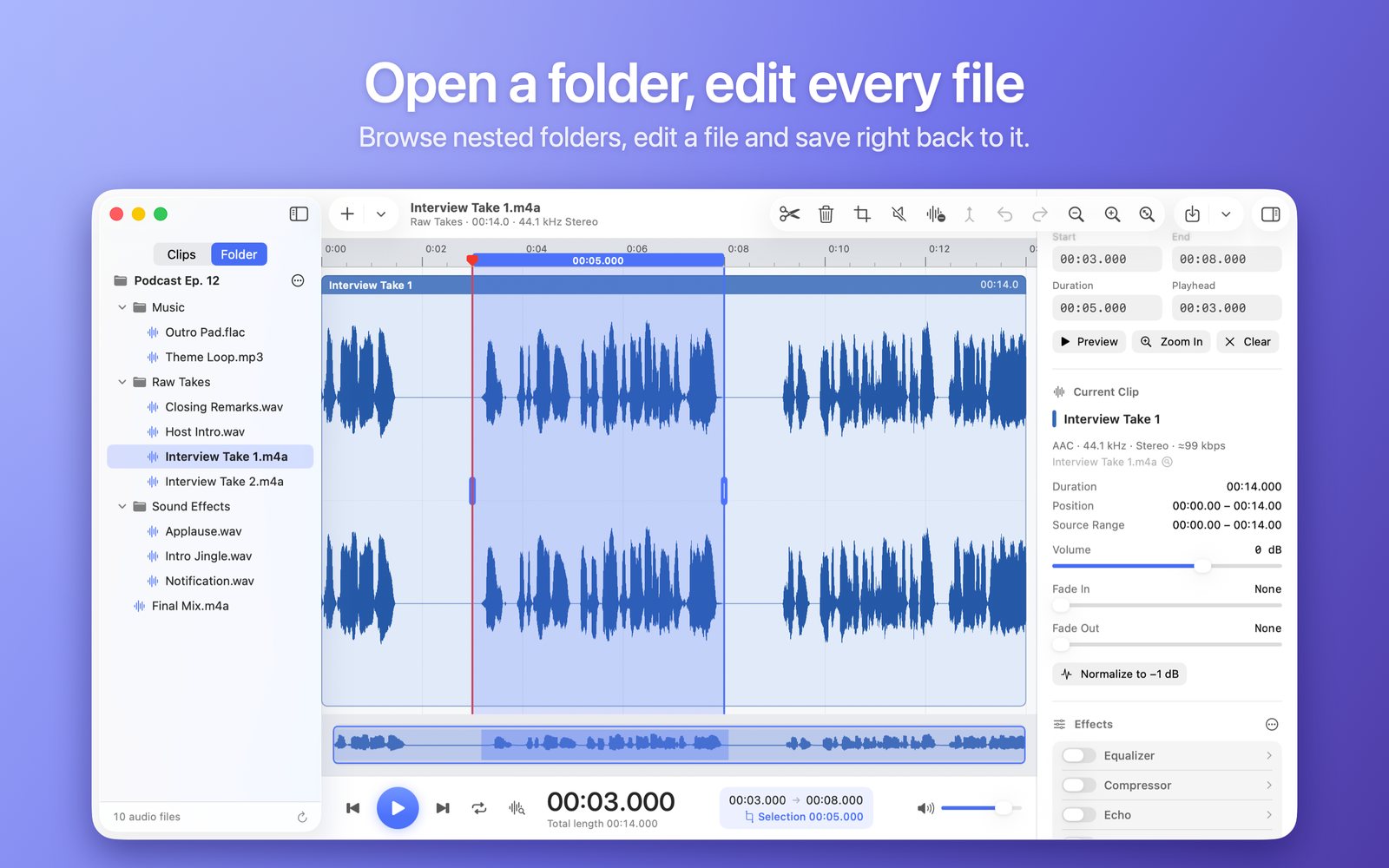
Open a folder, edit every file
Browse subfolders as a tree and click any audio file to edit it. Press ⌘S to save right back to the file, or save a copy.
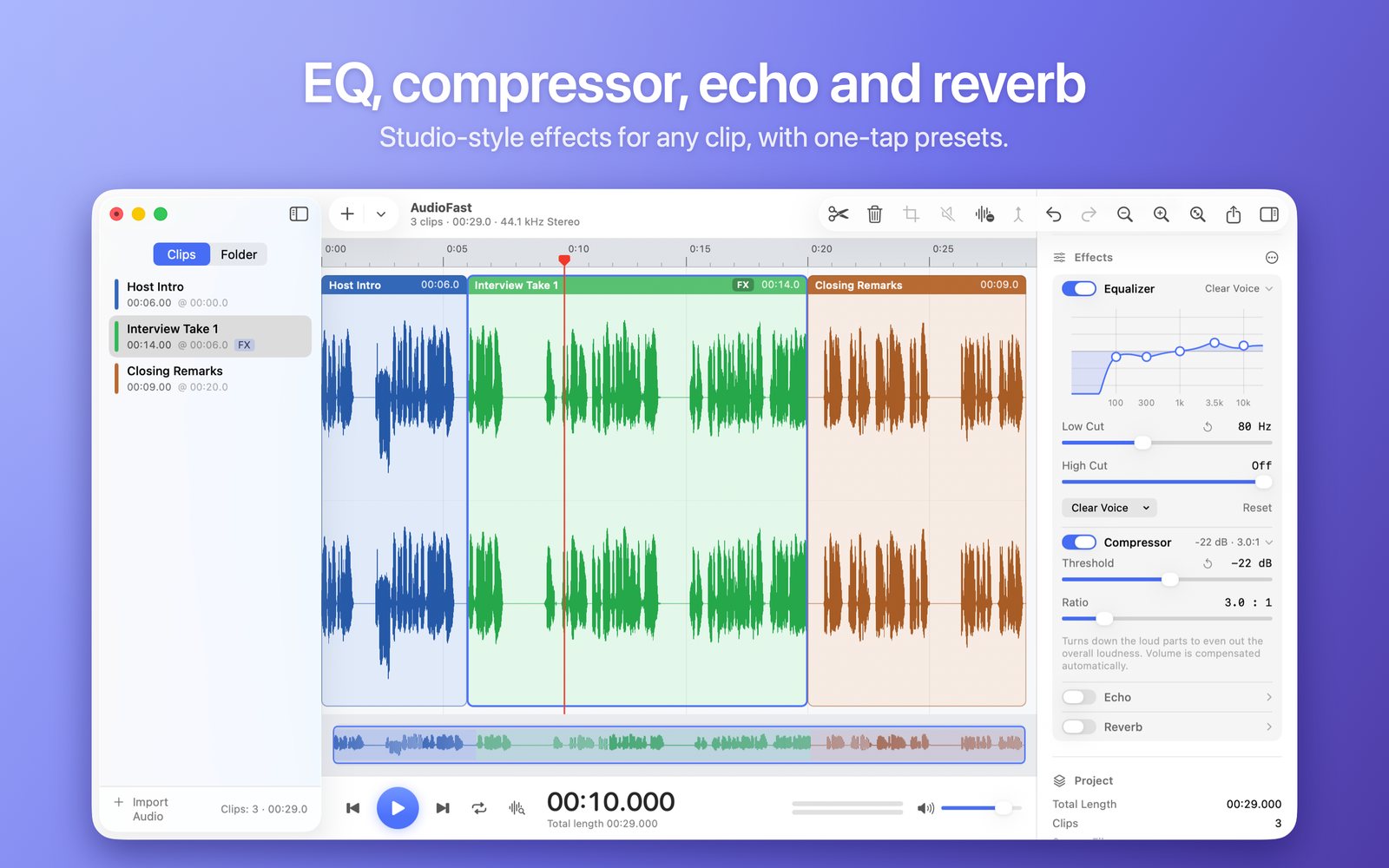
Effects built in
Equalizer, compressor, echo and reverb, one switch each. One-tap presets like Voice Boost, Podcast and Telephone.
Drop in and join
Several files line up end to end automatically, and MP3, M4A, FLAC, WAV and more can be mixed. Extract the audio from video files, too.
Select, cut, preview
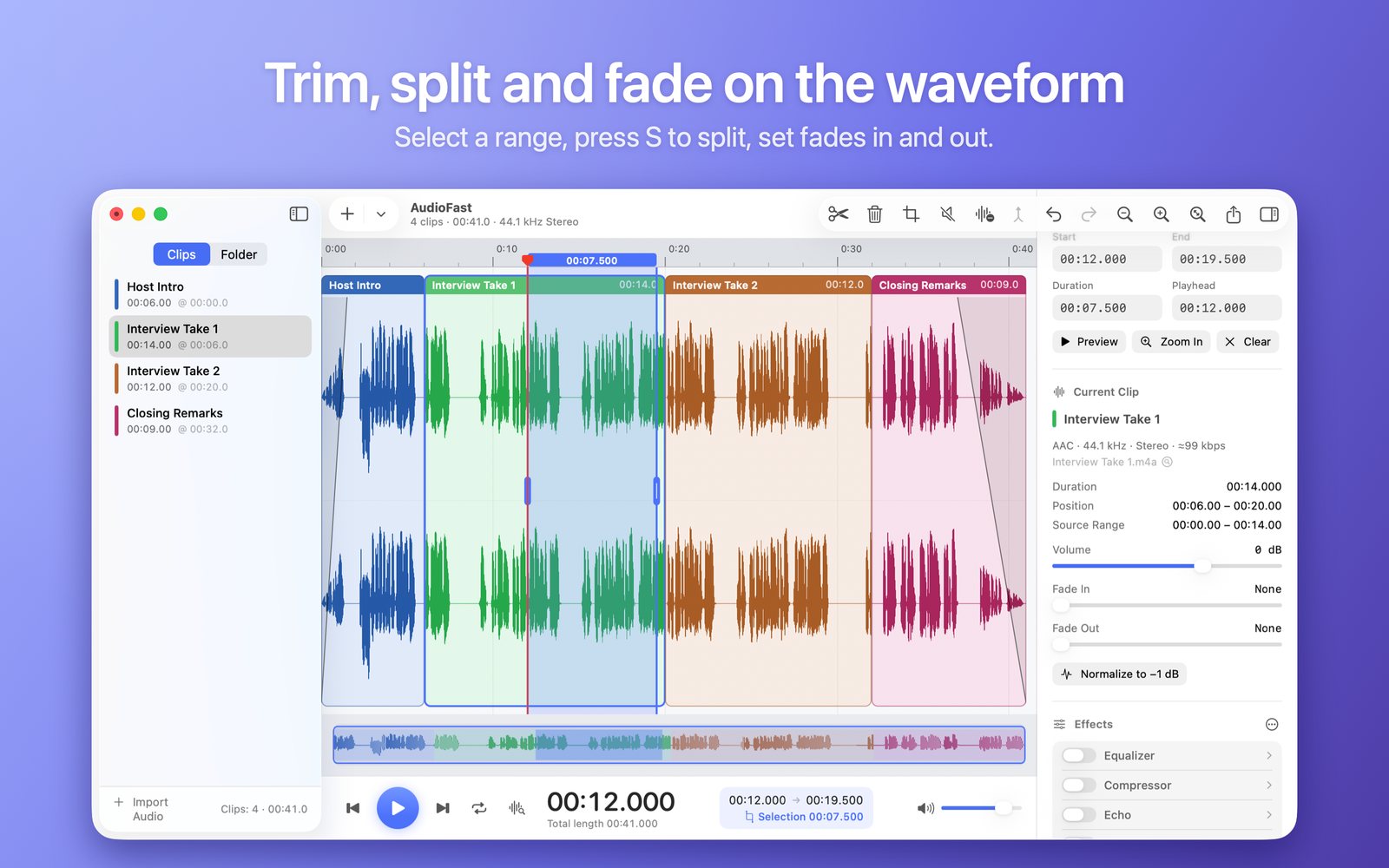
Drag to select down to the millisecond, S to split, ⌫ to delete and close the gap. ⇧Space plays 2 seconds either side of the playhead.
Silence and batch
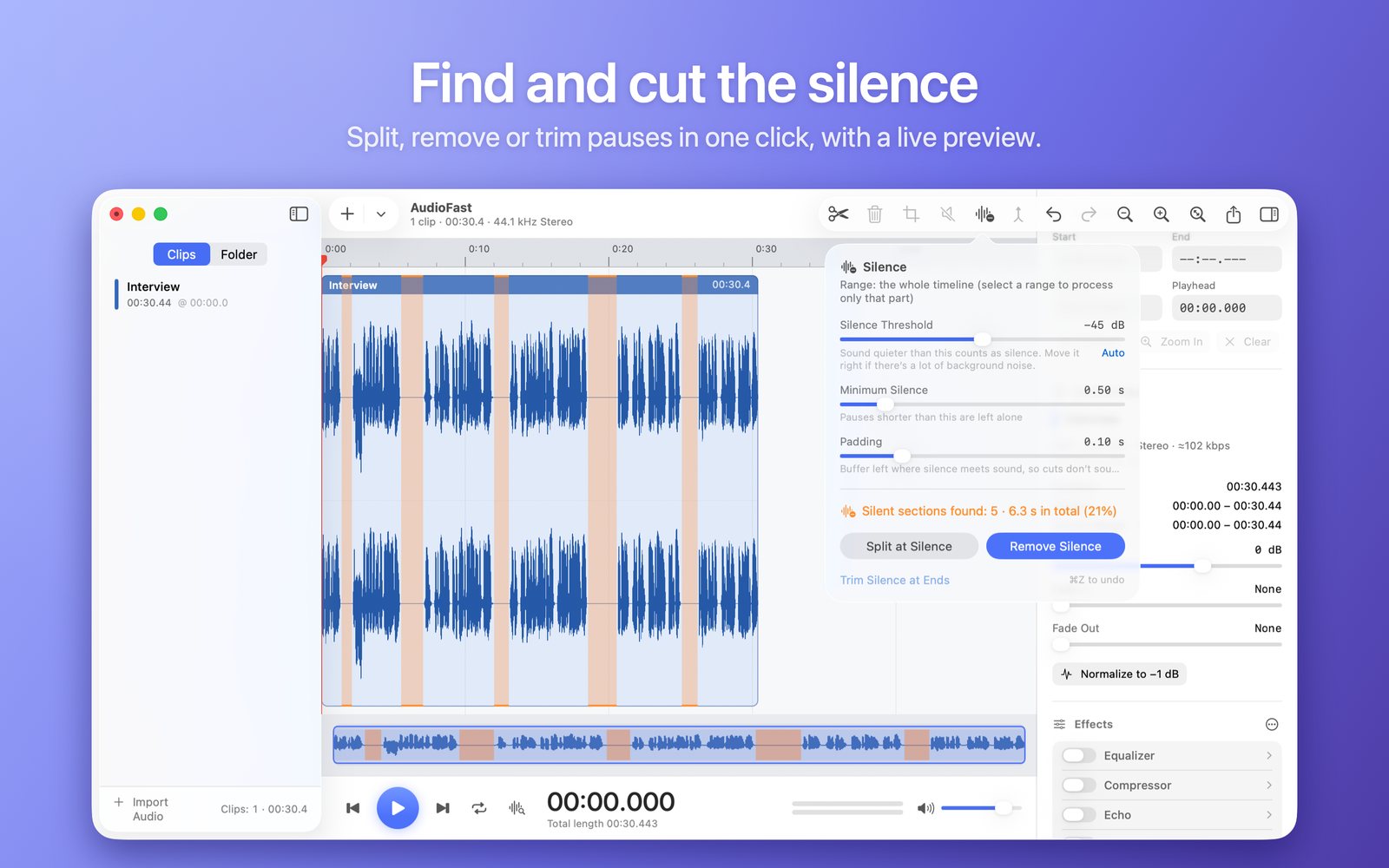
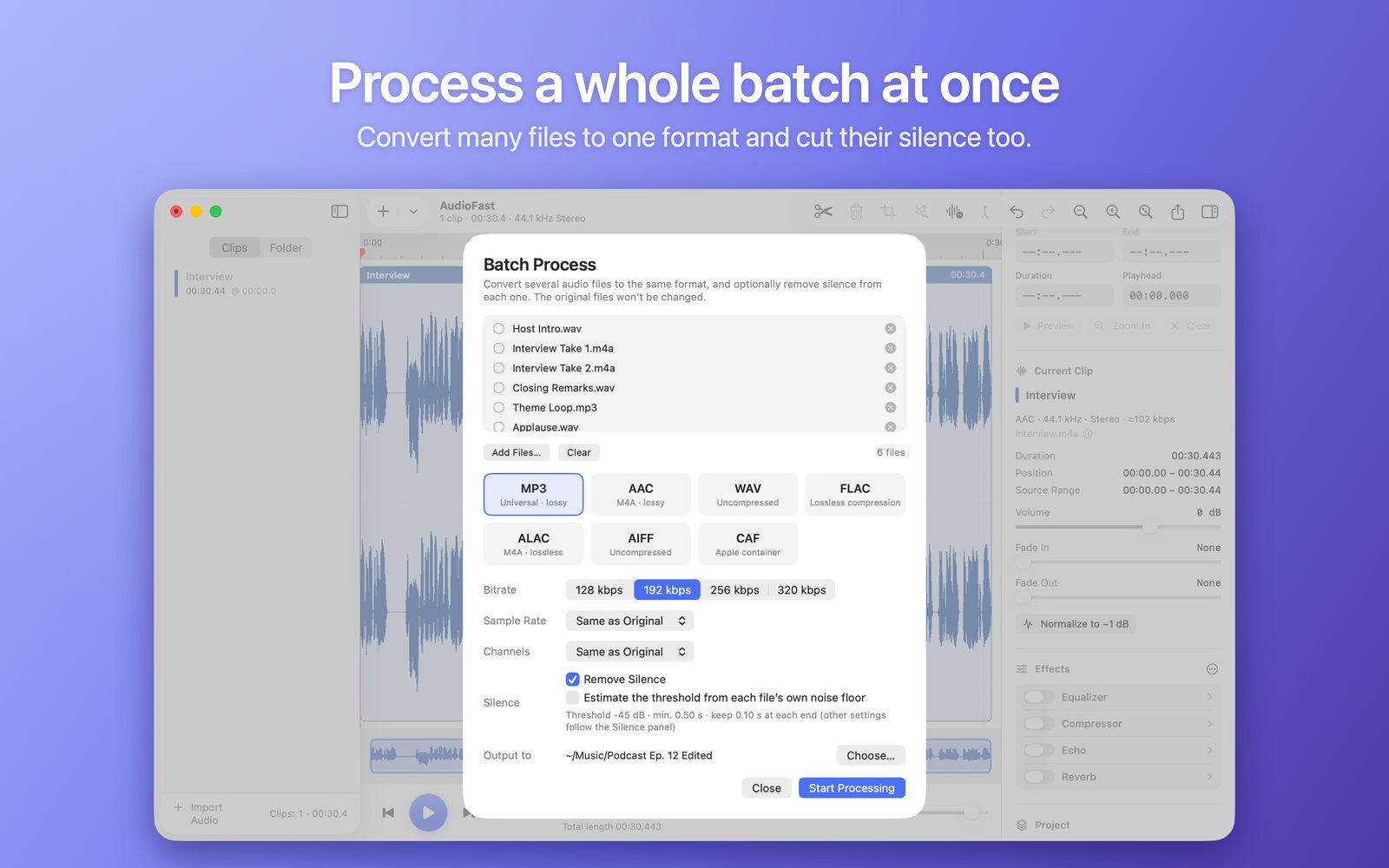
Find the pauses in a recording, preview them, then split, remove or trim. Convert a whole batch of files to one format in one go.
Volume and fades
Per-clip volume, fade-in and fade-out, one-click normalize to −1 dB, and automatic click protection at cuts.
Export what you need
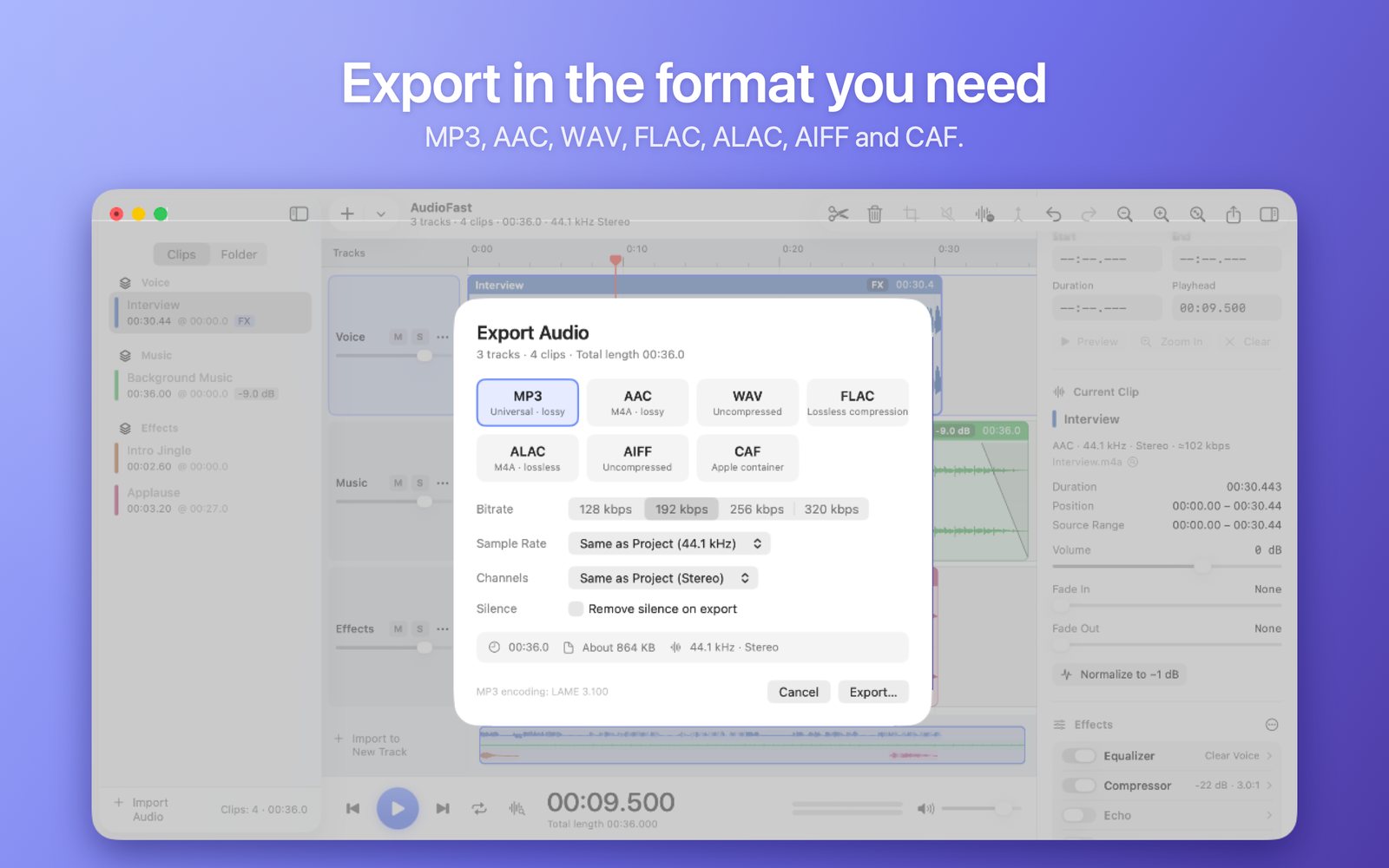
MP3, AAC, FLAC, WAV, ALAC, AIFF and CAF, with sample rate, channels and bit depth under your control. Export just the selection if you like.
Fully offline
No account, no ads, no analytics, and the app has no network permission. It only touches the files and folders you give it.
A look inside
Requirements
macOS 14 Sonoma or later · Apple silicon and Intel · English and Simplified Chinese interface (follows your system language)